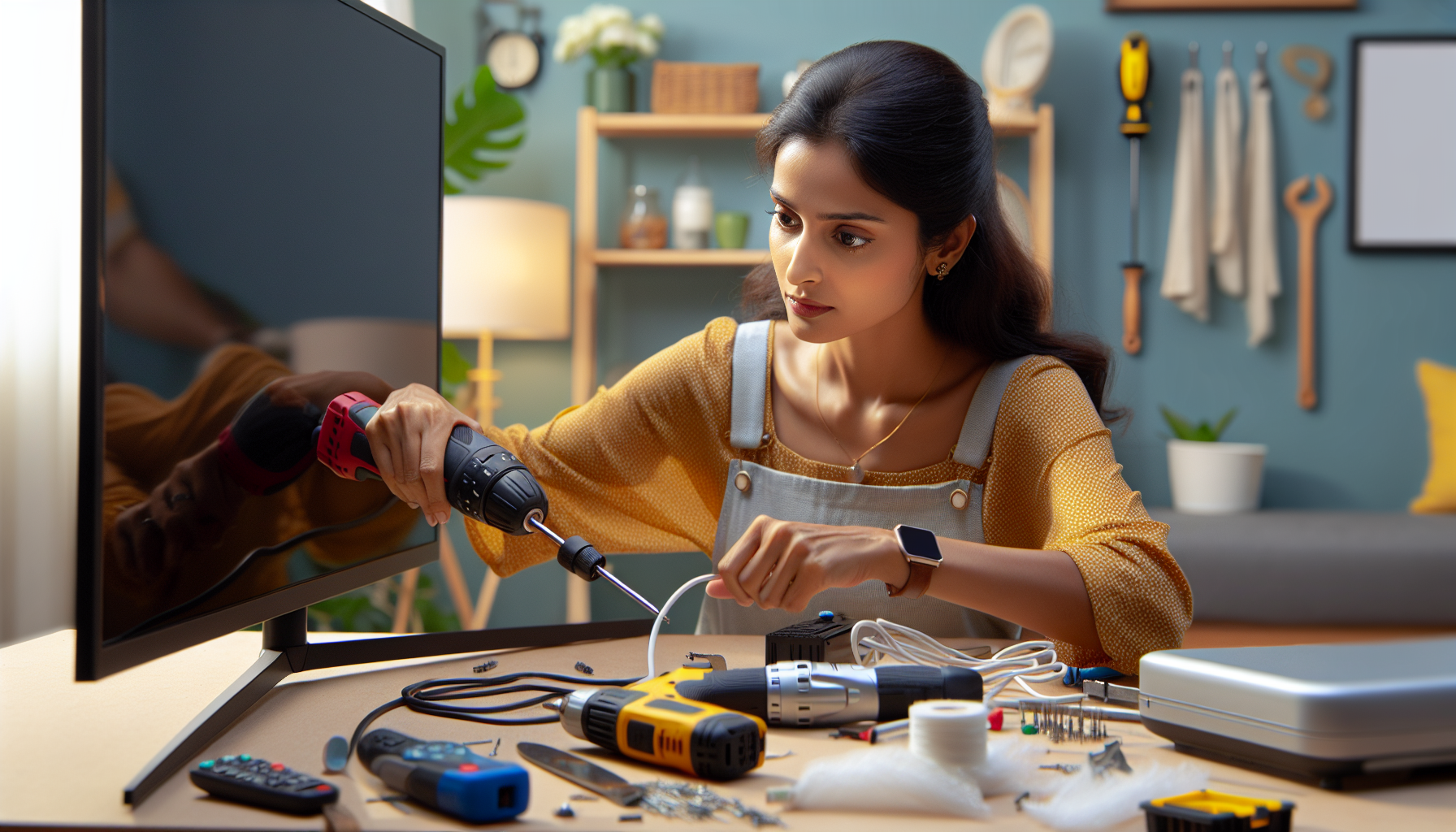
Television troubleshooting and basic repair repair guide
AI-generated image

Television Troubleshooting and Basic Repair

Unplug TV and check power cord for damage

Electronics Repair
Intermediate
150 minutes
2/2/2026

Affiliate Links: Some product links may earn us a commission at no extra cost to you.

Tools Needed

  • multimeter
  • screwdriver set
  • compressed air
  • cleaning supplies
  • flashlight

Parts & Materials

Available from multiple retailers

AmazonUnavailable
Home DepotMore buying options coming soon
Lowe'sMore buying options coming soon

Available from multiple retailers

AmazonUnavailable
Home DepotMore buying options coming soon
Lowe'sMore buying options coming soon

Available from multiple retailers

AmazonUnavailable
Home DepotMore buying options coming soon
Lowe'sMore buying options coming soon

Available from multiple retailers

AmazonUnavailable
Home DepotMore buying options coming soon
Lowe'sMore buying options coming soon

āš ļø Safety First

  • Unplug TV before any repair work
  • Be careful of high voltage components inside TV
  • Allow TV to cool down before internal work

  • šŸ”§ Tools Needed

  • multimeter
  • screwdriver set
  • compressed air
  • cleaning supplies
  • flashlight

  • šŸ“¦ Materials

  • replacement cables
  • cleaning solution
  • contact cleaner
  • fuses

  • šŸ“‹ Step-by-Step Instructions

    1. Unplug TV and check power cord for damage


    2. Test different power outlets to rule out electrical issues


    3. Check all cable connections and reseat firmly


    4. Try different input sources and cables


    5. Access TV menu to check settings and reset if needed


    6. Clean remote control contacts with alcohol


    7. Replace remote control batteries


    8. Check for software updates in TV menu


    9. Remove back panel to inspect for obvious damage


    10. Check internal fuses and replace if blown


    11. Contact manufacturer if still under warranty


    šŸ’” Pro Tips

  • Try power cycling TV by unplugging for 30 seconds
  • Check if problem affects all inputs or just one
  • Keep TV manual for troubleshooting reference

  • āŒ Common Mistakes to Avoid

  • Not checking simple connections before complex diagnosis
  • Assuming TV is broken when it might be cable/input issue
  • Opening TV case without unplugging first

  • šŸ” Troubleshooting

    TV won't turn on

    *Cause:* Power supply issue or blown fuse

    *Fix:* Check power connections and replace blown fuses


    No picture but sound works

    *Cause:* Display panel or video circuit problem

    *Fix:* Check video cables and settings, may need professional repair


    Remote control not working

    *Cause:* Dead batteries or dirty contacts

    *Fix:* Replace batteries and clean battery contacts


    ā“ Frequently Asked Questions

    Q: Should I repair or replace an old TV

    A: Consider age and repair cost - if repair exceeds 50% of replacement cost, replace


    Q: Can I fix a cracked TV screen

    A: Screen replacement usually costs more than new TV for older models


    āœ… Checklist

    ☐Unplug TV
    ☐Check power cord
    ☐Test different outlets
    ☐Check cable connections
    ☐Try different inputs
    ☐Check TV settings
    ☐Clean remote control
    ☐Replace remote batteries
    ☐Check for updates
    ☐Inspect internal fuses

    Related Guides

    Computer Troubleshooting and Basic Repair

    Power off computer and disconnect all cables

    Read Guide →

    Smartphone and Tablet Basic Repair

    Power off device and remove SIM card tray

    Read Guide →

    Router and Modem Troubleshooting

    Check all cable connections and power adapters

    Read Guide →

    Related Videos