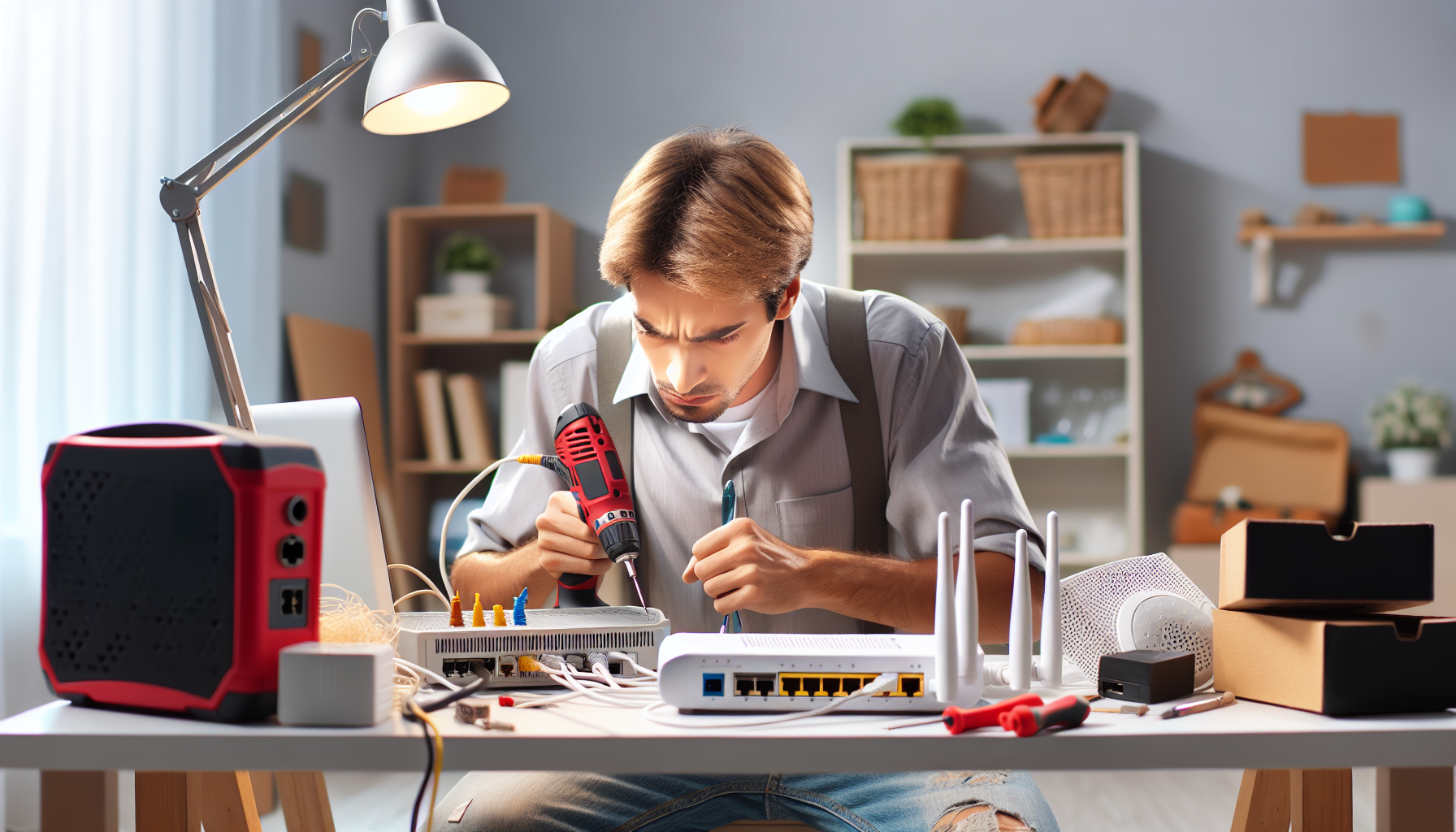
Router and Modem Troubleshooting
Check all cable connections and power adapters
Affiliate Links: Some product links may earn us a commission at no extra cost to you.
Tools Needed
- ethernet cables
- paperclip
- multimeter
- network tester
- computer
Parts & Materials
Available from multiple retailers
Available from multiple retailers
Available from multiple retailers
Available from multiple retailers
⚠️ Safety First
🔧 Tools Needed
📦 Materials
📋 Step-by-Step Instructions
1. Check all cable connections and power adapters
2. Power cycle modem and router in correct sequence
3. Test direct connection from modem to computer
4. Check for overheating and ensure proper ventilation
5. Reset router to factory settings using reset button
6. Update router firmware if connection is stable
7. Check with internet service provider for outages
8. Test wireless signal strength at different locations
9. Change wireless channel to avoid interference
10. Replace ethernet cables if showing wear
11. Document working settings for future reference
💡 Pro Tips
❌ Common Mistakes to Avoid
🔍 Troubleshooting
No internet connection
*Cause:* ISP outage, modem issue, or loose cables
*Fix:* Check ISP status, power cycle equipment, verify connections
Slow internet speed
*Cause:* Network congestion, old equipment, or interference
*Fix:* Test speed directly from modem, update equipment if needed
Frequent disconnections
*Cause:* Overheating, power issues, or failing hardware
*Fix:* Ensure proper ventilation, check power adapter, consider replacement
❓ Frequently Asked Questions
Q: How often should I restart my router
A: Monthly restart can help performance, or when experiencing issues
Q: When should I replace my router
A: Every 3-5 years or when it no longer supports current internet speeds