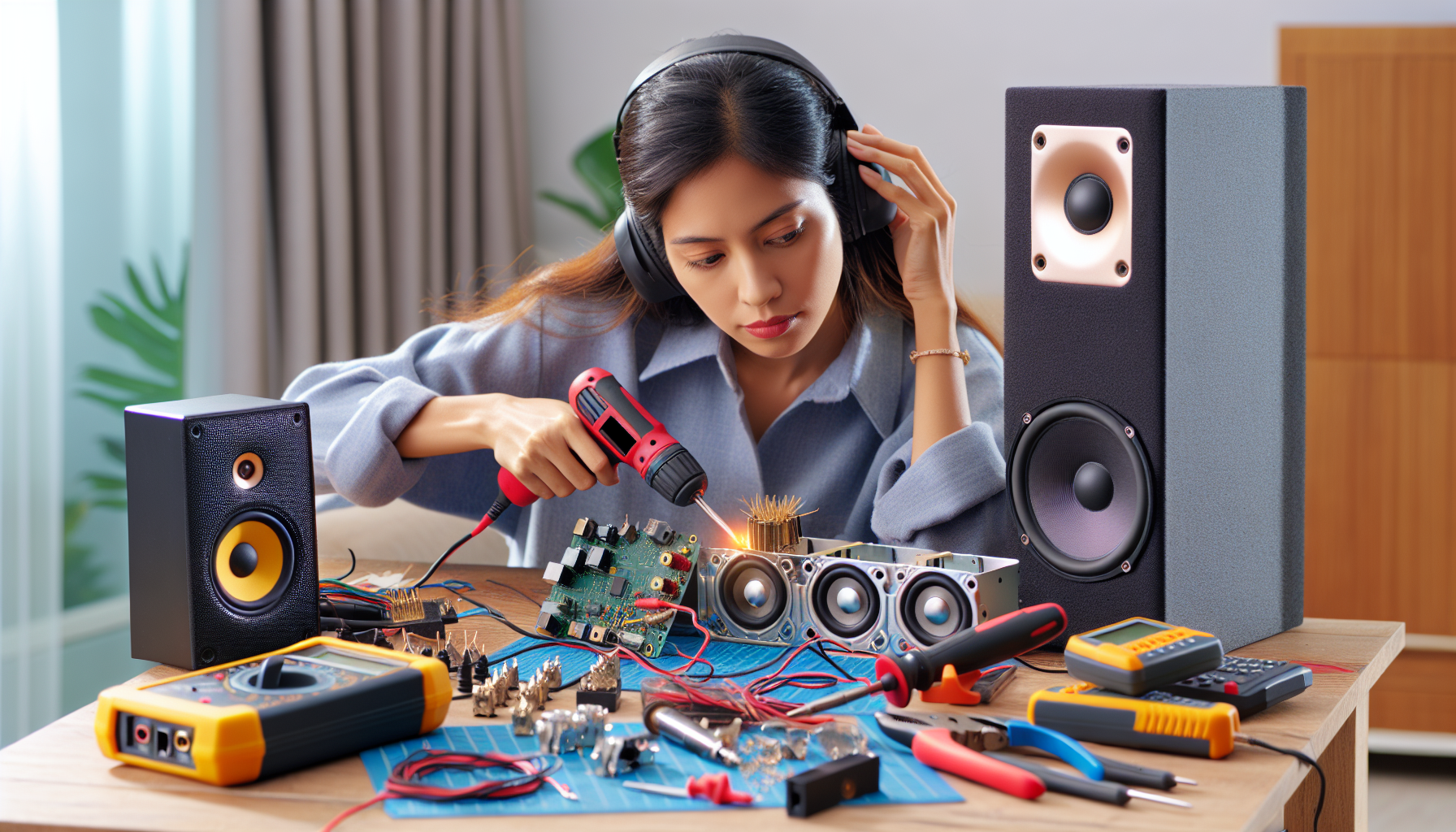
Speaker and audio system repair repair guide
AI-generated image

Speaker and Audio System Repair

Test audio source with different speakers or headphones

Electronics Repair
Intermediate
150 minutes
2/2/2026

Affiliate Links: Some product links may earn us a commission at no extra cost to you.

Tools Needed

  • multimeter
  • soldering iron
  • wire strippers
  • screwdriver
  • audio tester

Parts & Materials

Available from multiple retailers

AmazonUnavailable
Home DepotMore buying options coming soon
Lowe'sMore buying options coming soon

Available from multiple retailers

AmazonUnavailable
Home DepotMore buying options coming soon
Lowe'sMore buying options coming soon

Available from multiple retailers

AmazonUnavailable
Home DepotMore buying options coming soon
Lowe'sMore buying options coming soon

Available from multiple retailers

AmazonUnavailable
Home DepotMore buying options coming soon
Lowe'sMore buying options coming soon

Available from multiple retailers

AmazonUnavailable
Home DepotMore buying options coming soon
Lowe'sMore buying options coming soon

āš ļø Safety First

  • Turn off and unplug audio equipment before repair
  • Be careful with high wattage amplifiers
  • Use proper ventilation when soldering

  • šŸ”§ Tools Needed

  • multimeter
  • soldering iron
  • wire strippers
  • screwdriver
  • audio tester

  • šŸ“¦ Materials

  • speaker wire
  • connectors
  • solder
  • replacement drivers
  • fuses

  • šŸ“‹ Step-by-Step Instructions

    1. Test audio source with different speakers or headphones


    2. Check all cable connections and replace suspect cables


    3. Inspect speaker cones for visible damage or tears


    4. Test speaker impedance with multimeter


    5. Check amplifier fuses and replace if blown


    6. Clean all input and output jacks with contact cleaner


    7. Test each channel individually to isolate problems


    8. Inspect circuit boards for obvious damage


    9. Resolder any loose connections found


    10. Test system at low volume before full operation


    11. Document any settings or modifications made


    šŸ’” Pro Tips

  • Test with known good audio source and cables first
  • Keep speaker impedance matched to amplifier specs
  • Protect speakers from power surges with quality equipment

  • āŒ Common Mistakes to Avoid

  • Testing at high volume potentially causing more damage
  • Not checking simple connections before complex diagnosis
  • Mismatching speaker impedance to amplifier

  • šŸ” Troubleshooting

    No sound from speakers

    *Cause:* Blown fuse, loose connection, or failed amplifier

    *Fix:* Check fuses, verify connections, test amplifier output


    Distorted or crackling sound

    *Cause:* Damaged speaker cone or loose connections

    *Fix:* Inspect speakers and tighten all connections


    Sound only from one speaker

    *Cause:* Cable problem or amplifier channel failure

    *Fix:* Swap cables between channels to isolate issue


    ā“ Frequently Asked Questions

    Q: Can I repair a torn speaker cone

    A: Small tears can be repaired with speaker cone cement or tape


    Q: How do I match replacement speakers

    A: Match impedance, power rating, and physical size to originals


    āœ… Checklist

    ☐Test audio source
    ☐Check cable connections
    ☐Inspect speaker cones
    ☐Test speaker impedance
    ☐Check amplifier fuses
    ☐Clean input/output jacks
    ☐Test each channel
    ☐Inspect circuit boards
    ☐Resolder loose connections
    ☐Test at low volume

    Related Guides

    Television Troubleshooting and Basic Repair

    Unplug TV and check power cord for damage

    Read Guide →

    Computer Troubleshooting and Basic Repair

    Power off computer and disconnect all cables

    Read Guide →

    Smartphone and Tablet Basic Repair

    Power off device and remove SIM card tray

    Read Guide →

    Related Videos