Lg oven f11 error code (shorted key) repair guide
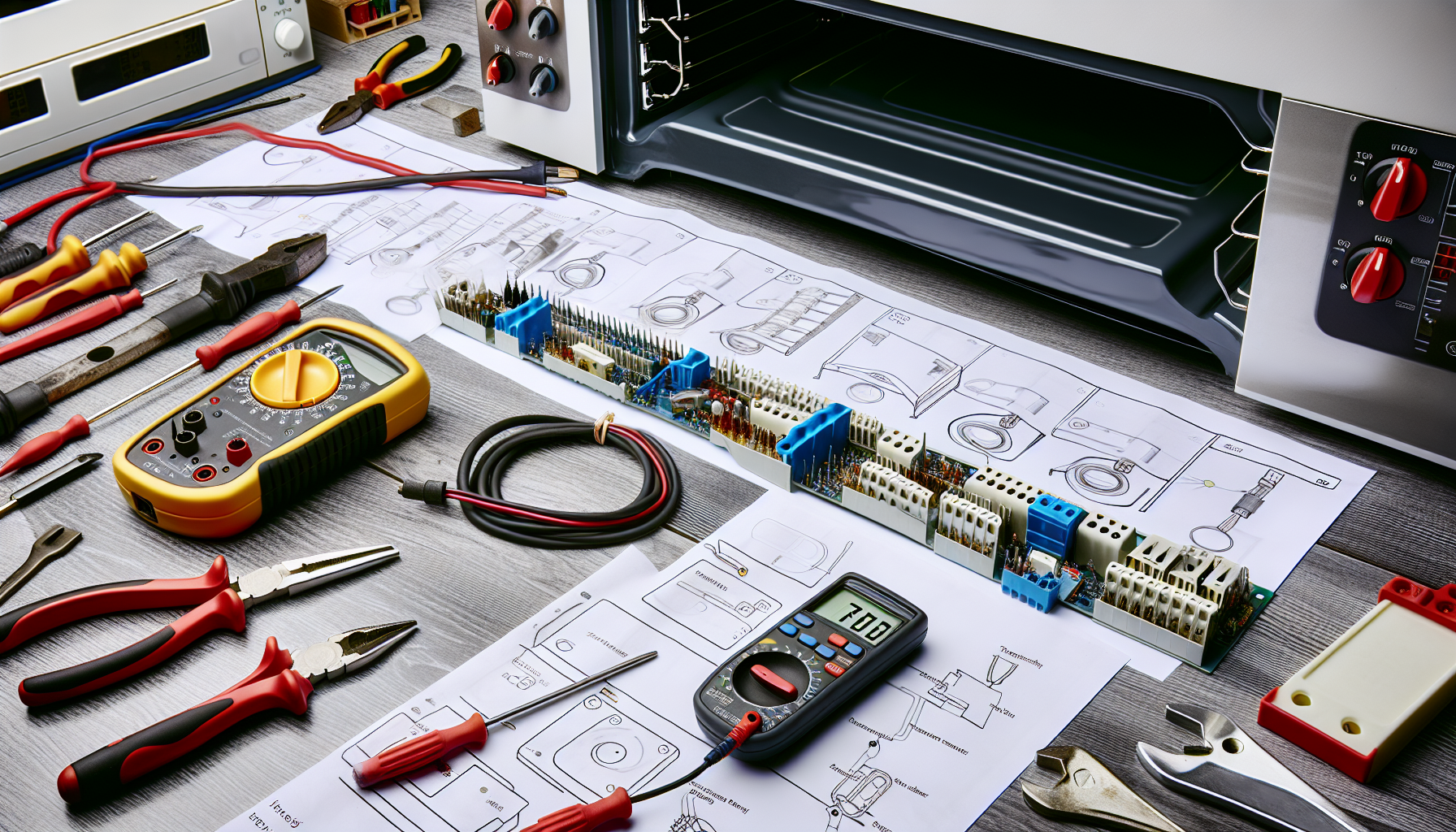
AI-generated image

LG Oven F11 Error Code (Shorted Key)

Turn off power to LG oven at circuit breaker

LG Appliance Repairs
Intermediate
120 minutes
2/2/2026

Affiliate Links: Some product links may earn us a commission at no extra cost to you.

Tools Needed

  • screwdriver
  • multimeter
  • contact cleaner
  • soft cloth

Parts & Materials

Available from multiple retailers

AmazonUnavailable
Home DepotMore buying options coming soon
Lowe'sMore buying options coming soon

Available from multiple retailers

AmazonUnavailable
Home DepotMore buying options coming soon
Lowe'sMore buying options coming soon

Available from multiple retailers

AmazonUnavailable
Home DepotMore buying options coming soon
Lowe'sMore buying options coming soon

Available from multiple retailers

AmazonUnavailable
Home DepotMore buying options coming soon
Lowe'sMore buying options coming soon

āš ļø Safety First

  • Turn off power at circuit breaker before repairs
  • Allow oven to cool completely before accessing controls
  • Handle control panel components carefully to avoid damage

  • šŸ”§ Tools Needed

  • screwdriver
  • multimeter
  • contact cleaner
  • soft cloth

  • šŸ“¦ Materials

  • control panel
  • membrane switch
  • control board
  • ribbon cable

  • šŸ“‹ Step-by-Step Instructions

    1. Turn off power to LG oven at circuit breaker


    2. Remove control panel by unscrewing mounting screws


    3. Inspect control panel for stuck or damaged buttons


    4. Clean control panel surface with mild soap solution


    5. Check ribbon cable connections to control board


    6. Test individual buttons for proper operation


    7. Use contact cleaner on membrane switch contacts


    8. Inspect control board for burn marks or damage


    9. Reseat all electrical connections


    10. Replace control panel if buttons remain stuck


    11. Test oven operation after reassembly


    šŸ’” Pro Tips

  • F11 error often caused by moisture or food debris on control panel
  • Clean control panel regularly to prevent moisture infiltration
  • Gentle cleaning prevents damage to membrane switches

  • āŒ Common Mistakes to Avoid

  • Using harsh chemicals that damage control panel
  • Not checking for simple debris before replacing expensive parts
  • Forcing stuck buttons which can cause more damage

  • šŸ” Troubleshooting

    F11 error on startup

    *Cause:* Stuck button or moisture in control panel

    *Fix:* Clean control panel thoroughly and check for stuck buttons


    Error during cooking

    *Cause:* Heat affecting control panel or electrical interference

    *Fix:* Check control panel mounting and heat shielding


    Multiple button problems

    *Cause:* Control board failure or ribbon cable damage

    *Fix:* Test control board and check all cable connections


    ā“ Frequently Asked Questions

    Q: What causes LG oven F11 error

    A: Shorted key error usually from stuck buttons or moisture damage


    Q: Can I clean LG oven control panel

    A: Yes, use mild soap solution and avoid getting moisture in button areas


    āœ… Checklist

    ☐Turn off power
    ☐Remove control panel
    ☐Check for stuck buttons
    ☐Clean panel surface
    ☐Check ribbon cables
    ☐Test buttons individually
    ☐Clean switch contacts
    ☐Check control board
    ☐Reseat connections
    ☐Test operation

    Related Guides

    LG Refrigerator Linear Compressor Making Noise

    Unplug LG refrigerator and move away from wall

    Read Guide →

    LG Washer OE Error Code (Drain Error)

    Unplug LG washer and turn off water supply

    Read Guide →

    LG Dryer D80/D90 Error Code (Airflow Restriction)

    Disconnect power and gas to LG dryer

    Read Guide →

    Related Videos