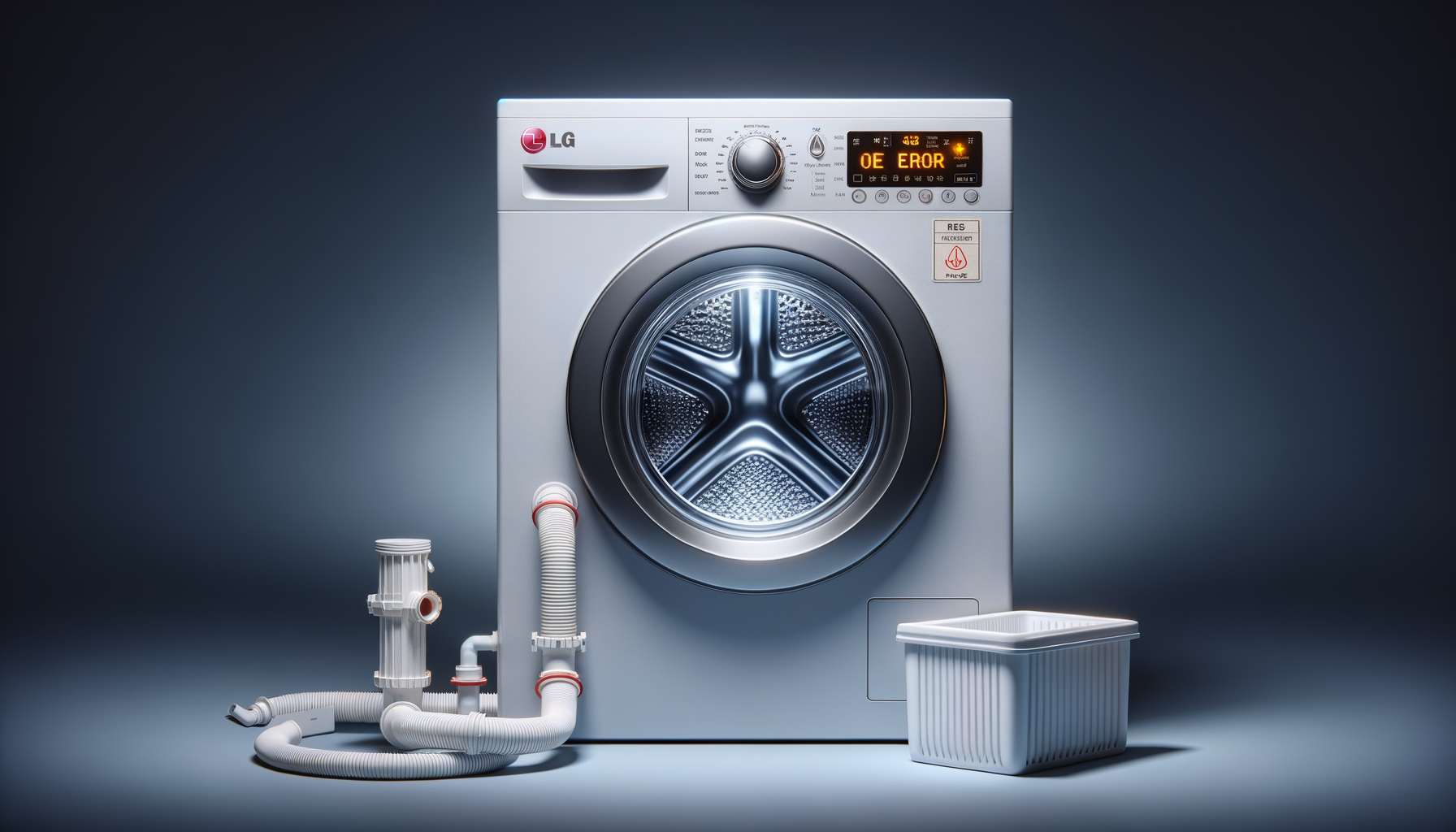
LG Washer OE Error Code (Drain Error)
Unplug LG washer and turn off water supply
Affiliate Links: Some product links may earn us a commission at no extra cost to you.
Tools Needed
- pliers
- screwdriver
- bucket
- drain snake
Parts & Materials
Available from multiple retailers
Available from multiple retailers
Available from multiple retailers
Available from multiple retailers
⚠️ Safety First
🔧 Tools Needed
📦 Materials
📋 Step-by-Step Instructions
1. Unplug LG washer and turn off water supply
2. Check drain hose behind washer for kinks or clogs
3. Access drain pump filter (usually front bottom panel)
4. Remove drain pump filter and clean thoroughly
5. Check pump impeller for obstructions like coins or lint
6. Inspect drain hose connection to standpipe or sink
7. Test drain pump operation during drain cycle
8. Check for proper drain hose height (18-96 inches)
9. Clear any clogs in household drain system
10. Reset OE error by unplugging washer for 10 minutes
11. Run test cycle to verify proper drainage
💡 Pro Tips
❌ Common Mistakes to Avoid
🔍 Troubleshooting
OE error every wash cycle
*Cause:* Clogged pump filter or damaged drain pump
*Fix:* Clean filter thoroughly and test pump operation
Water drains very slowly
*Cause:* Partial clog in drain system or hose
*Fix:* Check entire drain path and clear any restrictions
Error occurs only on certain cycles
*Cause:* High water level cycles overwhelming drain system
*Fix:* Check drain capacity and pump filter condition
❓ Frequently Asked Questions
Q: What does OE error mean on LG washer
A: Drain error - washer cannot drain water properly within time limit
Q: How often should I clean LG washer drain filter
A: Monthly cleaning prevents most OE error occurrences
✅ Checklist
Related Guides
LG Refrigerator Linear Compressor Making Noise
Unplug LG refrigerator and move away from wall
Read Guide →