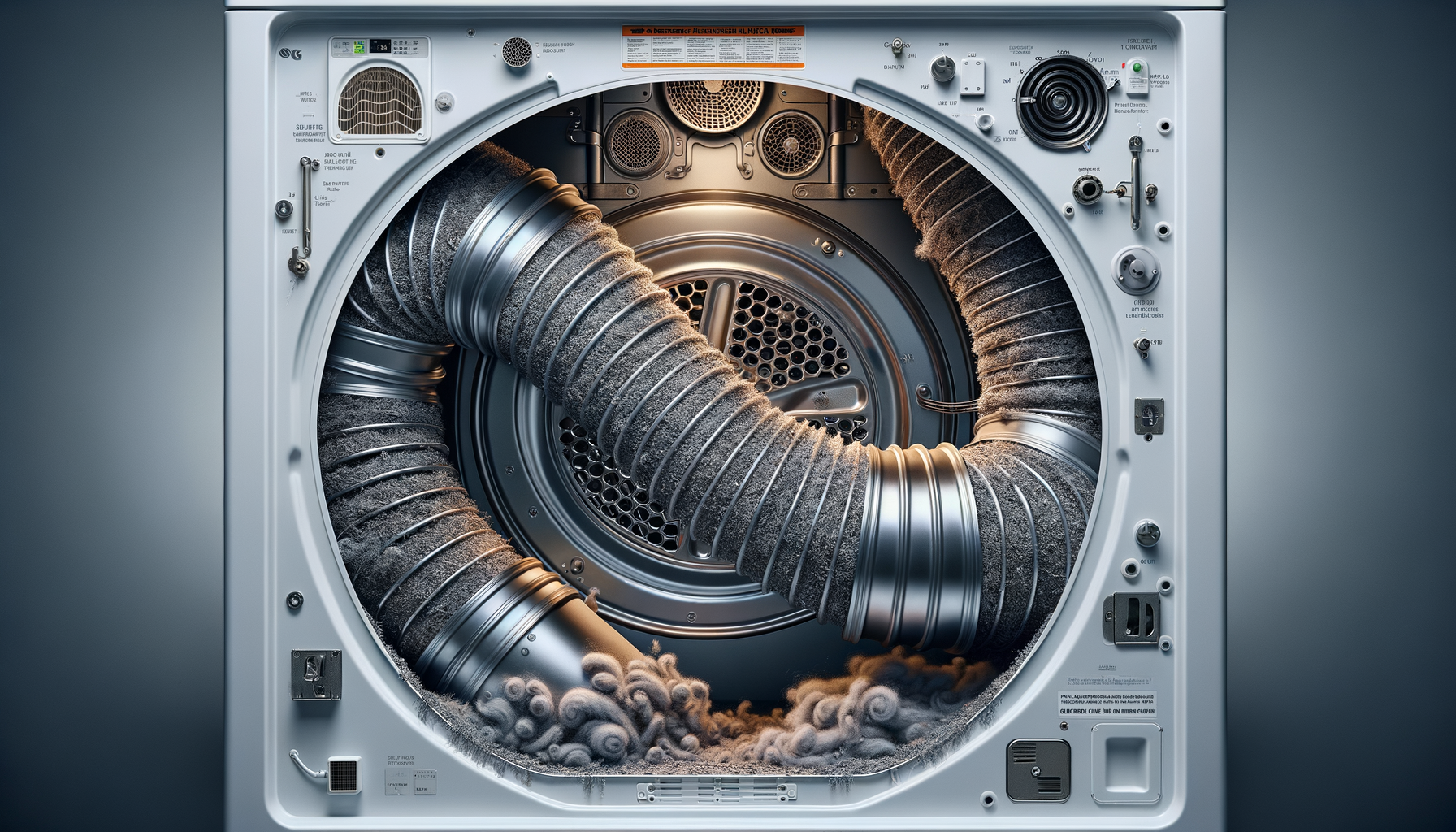
LG Dryer D80/D90 Error Code (Airflow Restriction)
Disconnect power and gas to LG dryer
Affiliate Links: Some product links may earn us a commission at no extra cost to you.
Tools Needed
- vent brush
- vacuum cleaner
- screwdriver
- duct tape
Parts & Materials
Available from multiple retailers
Available from multiple retailers
Available from multiple retailers
Available from multiple retailers
⚠️ Safety First
🔧 Tools Needed
📦 Materials
📋 Step-by-Step Instructions
1. Disconnect power and gas to LG dryer
2. Pull dryer away from wall to access vent hose
3. Disconnect vent hose from dryer and wall vent
4. Clean interior vent hose with vent brush and vacuum
5. Go outside and check vent cap for lint buildup
6. Use vent brush to clean entire vent run to outside
7. Vacuum lint from dryer lint trap housing
8. Check vent hose for damage, kinks, or restrictions
9. Reconnect vent hose with proper clamps
10. Restore power and test dryer operation
11. Clear error code and verify proper airflow
💡 Pro Tips
❌ Common Mistakes to Avoid
🔍 Troubleshooting
D80 error appears occasionally
*Cause:* Partial vent restriction or lint buildup
*Fix:* Clean entire vent system and check for proper installation
D90 error appears frequently
*Cause:* Severe vent blockage or damaged vent system
*Fix:* Thoroughly clean vent and inspect for damage or poor routing
Error returns quickly after cleaning
*Cause:* Vent design problem or external obstruction
*Fix:* Check vent cap and consider professional vent modification
❓ Frequently Asked Questions
Q: What's difference between D80 and D90 errors
A: D80 indicates 80% airflow restriction, D90 indicates 90% restriction
Q: How long can LG dryer vent hose be
A: Maximum 25 feet for 4-inch rigid duct, subtract 5 feet per elbow
✅ Checklist
Related Guides
LG Refrigerator Linear Compressor Making Noise
Unplug LG refrigerator and move away from wall
Read Guide →