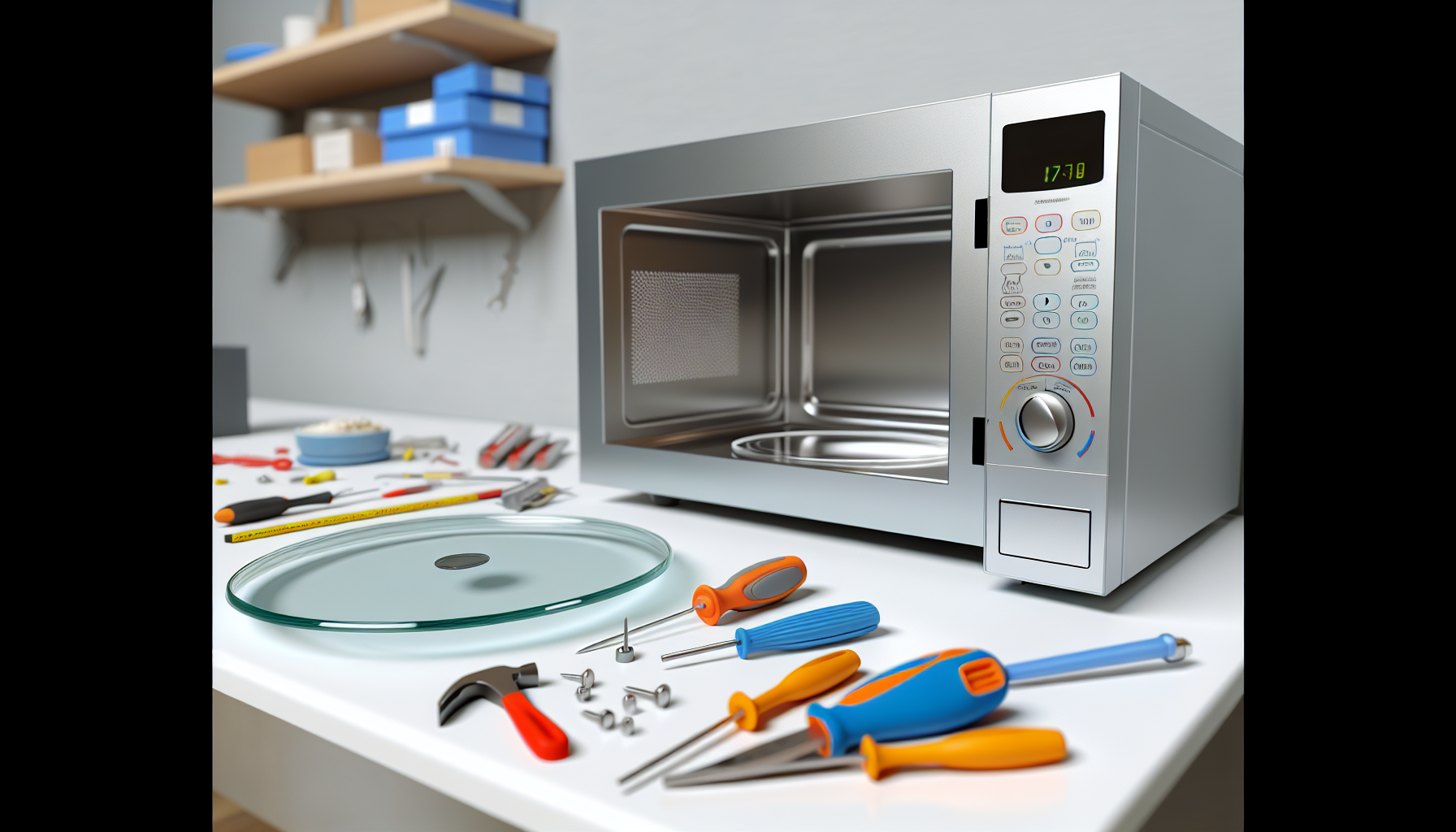
LG Microwave Turntable Not Turning
Unplug LG microwave and remove glass turntable tray
Affiliate Links: Some product links may earn us a commission at no extra cost to you.
Tools Needed
- screwdriver
- multimeter
- pliers
- lubricant
Parts & Materials
Available from multiple retailers
Available from multiple retailers
Available from multiple retailers
Available from multiple retailers
⚠️ Safety First
🔧 Tools Needed
📦 Materials
📋 Step-by-Step Instructions
1. Unplug LG microwave and remove glass turntable tray
2. Remove plastic roller guide and clean thoroughly
3. Check for food debris or damage on turntable track
4. Inspect drive coupling in center of microwave floor
5. Test turntable motor by rotating coupling manually
6. Access turntable motor from bottom of microwave
7. Test motor with multimeter for proper operation
8. Clean and lubricate motor shaft if accessible
9. Check for broken or worn drive coupling
10. Replace faulty motor or coupling as needed
11. Reassemble and test turntable rotation
💡 Pro Tips
❌ Common Mistakes to Avoid
🔍 Troubleshooting
Turntable doesn't rotate at all
*Cause:* Failed turntable motor or jammed coupling
*Fix:* Test motor and check coupling for obstructions
Turntable rotates slowly or stops
*Cause:* Worn motor or dirty track
*Fix:* Clean track and test motor operation
Grinding noise during rotation
*Cause:* Damaged roller guide or debris in track
*Fix:* Replace roller guide and clean track thoroughly
❓ Frequently Asked Questions
Q: Why is LG microwave turntable important
A: Ensures even heating by rotating food during cooking process
Q: Can I use LG microwave without turntable
A: Not recommended - may cause uneven heating and potential damage
✅ Checklist
Related Guides
LG Refrigerator Linear Compressor Making Noise
Unplug LG refrigerator and move away from wall
Read Guide →