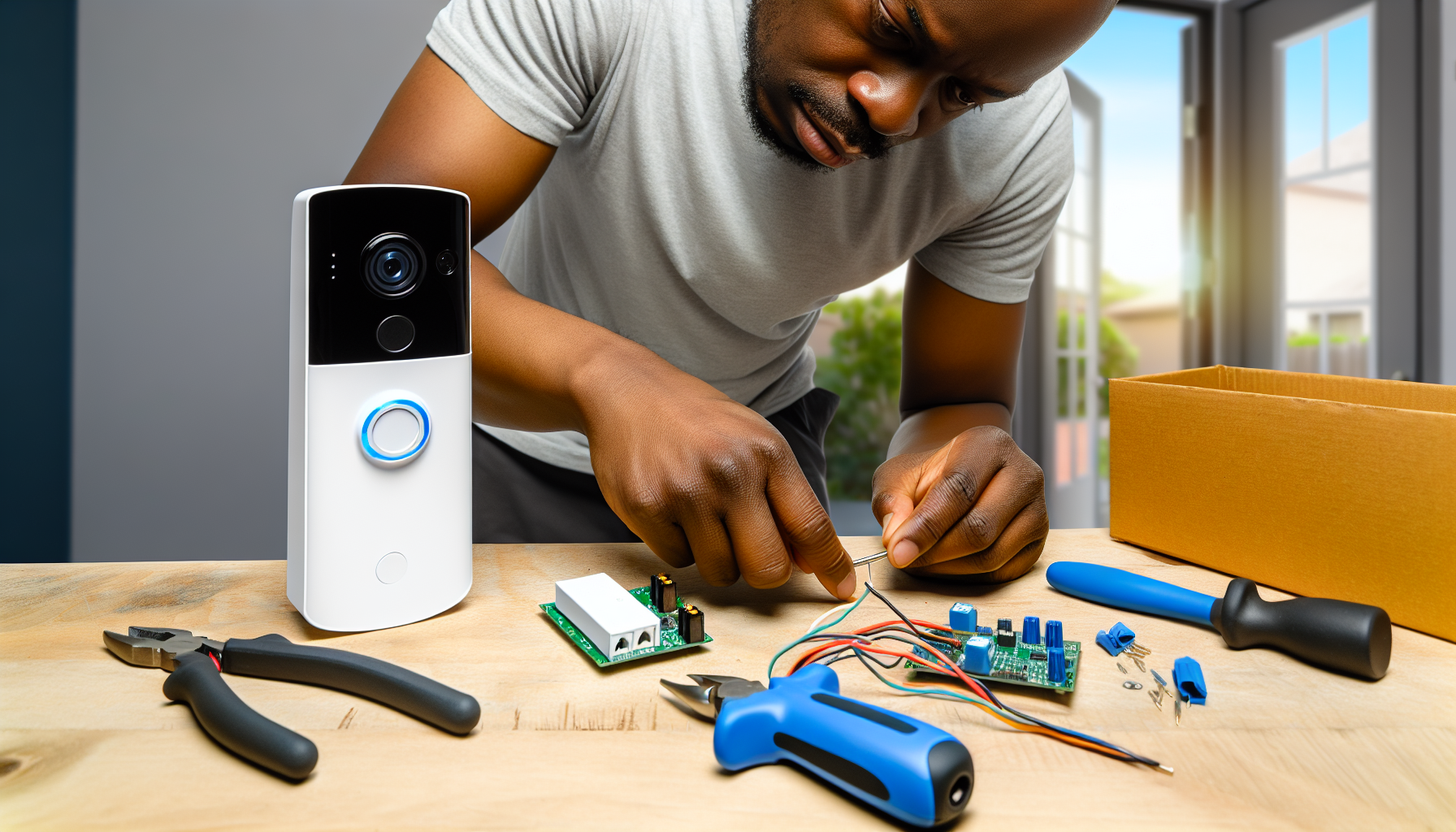
Smart doorbell installation and setup repair guide
AI-generated image

Smart Doorbell Installation and Setup

Turn off power to existing doorbell circuit

Home Security
Intermediate
120 minutes
2/2/2026

Affiliate Links: Some product links may earn us a commission at no extra cost to you.

Tools Needed

  • drill
  • wire strippers
  • level
  • screwdriver
  • voltage tester

Parts & Materials

Available from multiple retailers

AmazonUnavailable
Home DepotMore buying options coming soon
Lowe'sMore buying options coming soon

Available from multiple retailers

AmazonUnavailable
Home DepotMore buying options coming soon
Lowe'sMore buying options coming soon

Available from multiple retailers

AmazonUnavailable
Home DepotMore buying options coming soon
Lowe'sMore buying options coming soon

Available from multiple retailers

AmazonUnavailable
Home DepotMore buying options coming soon
Lowe'sMore buying options coming soon

Available from multiple retailers

AmazonUnavailable
Home DepotMore buying options coming soon
Lowe'sMore buying options coming soon

āš ļø Safety First

  • Turn off power to doorbell circuit before wiring
  • Test wires with voltage tester before handling
  • Follow manufacturer's wiring instructions exactly

  • šŸ”§ Tools Needed

  • drill
  • wire strippers
  • level
  • screwdriver
  • voltage tester

  • šŸ“¦ Materials

  • smart doorbell
  • mounting hardware
  • doorbell wire
  • wire nuts
  • chime

  • šŸ“‹ Step-by-Step Instructions

    1. Turn off power to existing doorbell circuit


    2. Remove old doorbell and note wire connections


    3. Test doorbell transformer voltage and capacity


    4. Install mounting bracket for smart doorbell


    5. Connect doorbell wires to smart doorbell terminals


    6. Mount smart doorbell to bracket securely


    7. Install or update indoor chime if needed


    8. Download manufacturer's mobile app


    9. Connect doorbell to home WiFi network


    10. Configure motion detection and notification settings


    11. Test doorbell operation and video quality


    šŸ’” Pro Tips

  • Upgrade transformer if voltage is insufficient
  • Position doorbell for optimal video coverage
  • Set motion zones to avoid false alerts

  • āŒ Common Mistakes to Avoid

  • Not checking transformer capacity before installation
  • Poor WiFi signal causing connection problems
  • Not configuring motion detection properly

  • šŸ” Troubleshooting

    Doorbell won't stay connected to WiFi

    *Cause:* Weak signal or power issues

    *Fix:* Improve WiFi signal or check transformer output


    Video quality poor

    *Cause:* Low light or camera positioning

    *Fix:* Add lighting or adjust doorbell angle


    False motion alerts

    *Cause:* Motion zones too sensitive

    *Fix:* Adjust motion detection zones and sensitivity


    ā“ Frequently Asked Questions

    Q: Do I need special wiring for smart doorbell

    A: Most use existing doorbell wiring but may need transformer upgrade


    Q: Will it work without existing doorbell wiring

    A: Some models are battery powered and work without wiring


    āœ… Checklist

    ☐Turn off power
    ☐Remove old doorbell
    ☐Test transformer
    ☐Install mounting bracket
    ☐Connect wires
    ☐Mount doorbell
    ☐Update chime
    ☐Download app
    ☐Connect to WiFi
    ☐Test operation

    Related Guides

    Door Lock Installation and Repair

    Measure and mark lock height on door edge

    Read Guide →

    Window Security Hardware Installation

    Assess current window security vulnerabilities

    Read Guide →

    Security Camera System Installation

    Plan camera locations for optimal coverage

    Read Guide →

    Related Videos