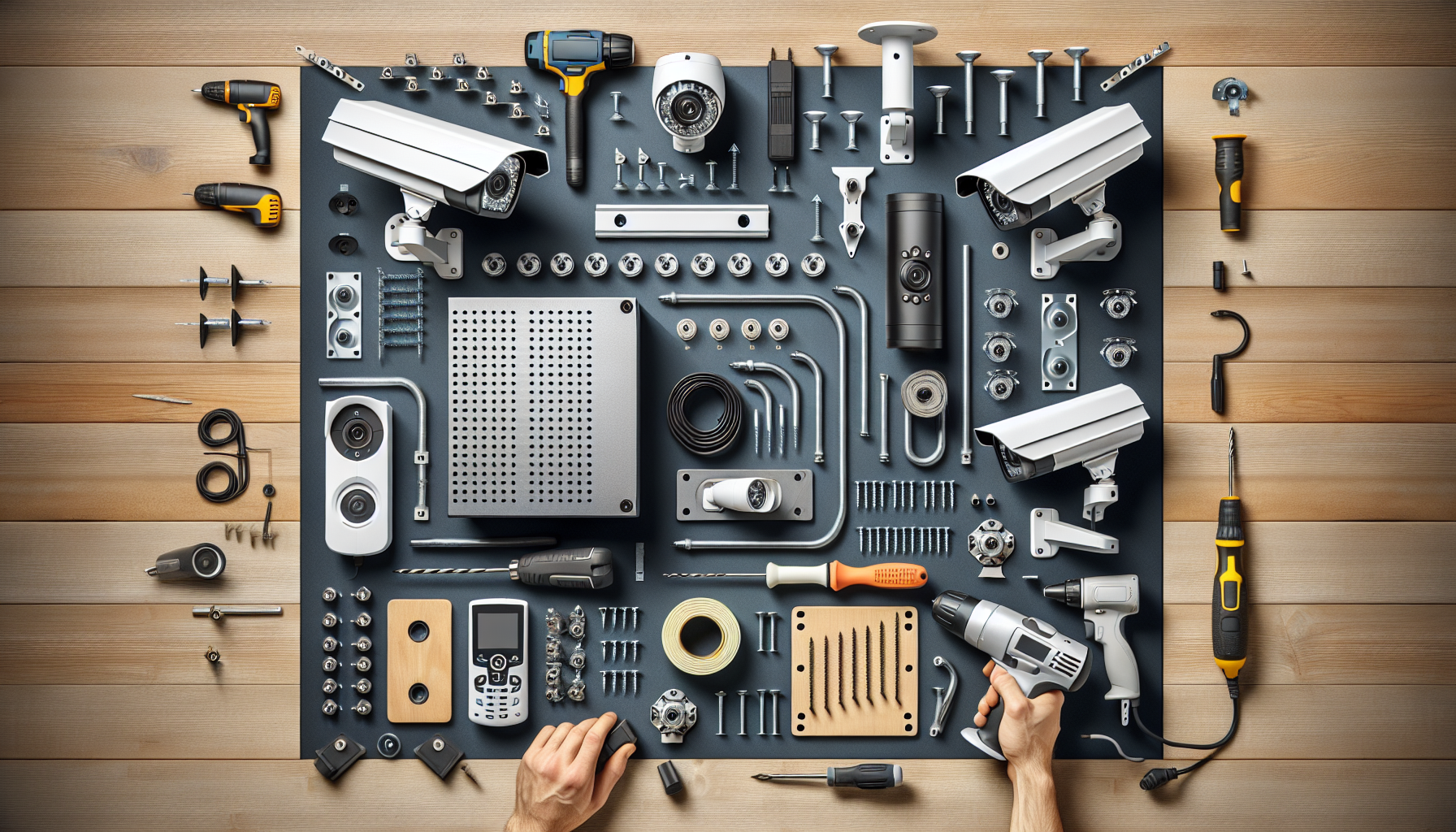
Security Camera System Installation
Plan camera locations for optimal coverage
Affiliate Links: Some product links may earn us a commission at no extra cost to you.
Tools Needed
- drill
- fish tape
- wire strippers
- ladder
- network cable tester
Parts & Materials
Available from multiple retailers
Available from multiple retailers
Available from multiple retailers
Available from multiple retailers
Available from multiple retailers
⚠️ Safety First
🔧 Tools Needed
📦 Materials
📋 Step-by-Step Instructions
1. Plan camera locations for optimal coverage
2. Determine cable routing from cameras to recorder
3. Install mounting brackets at camera locations
4. Run cables through walls or conduit to recorder
5. Mount cameras and adjust viewing angles
6. Connect cameras to power supplies
7. Connect video cables to recording system
8. Configure recording system and network settings
9. Install viewing software on computers/phones
10. Test system operation and recording quality
11. Set up motion detection and alerts
💡 Pro Tips
❌ Common Mistakes to Avoid
🔍 Troubleshooting
Poor image quality
*Cause:* Camera positioning or cable issues
*Fix:* Adjust camera angle and check cable connections
Recording system not working
*Cause:* Power or hard drive problems
*Fix:* Check power connections and hard drive status
Can't view cameras remotely
*Cause:* Network configuration issues
*Fix:* Check router settings and port forwarding
❓ Frequently Asked Questions
Q: How many cameras do I need
A: Depends on property size - typically one per entrance plus key areas
Q: Wired or wireless cameras
A: Wired for reliability, wireless for easier installation