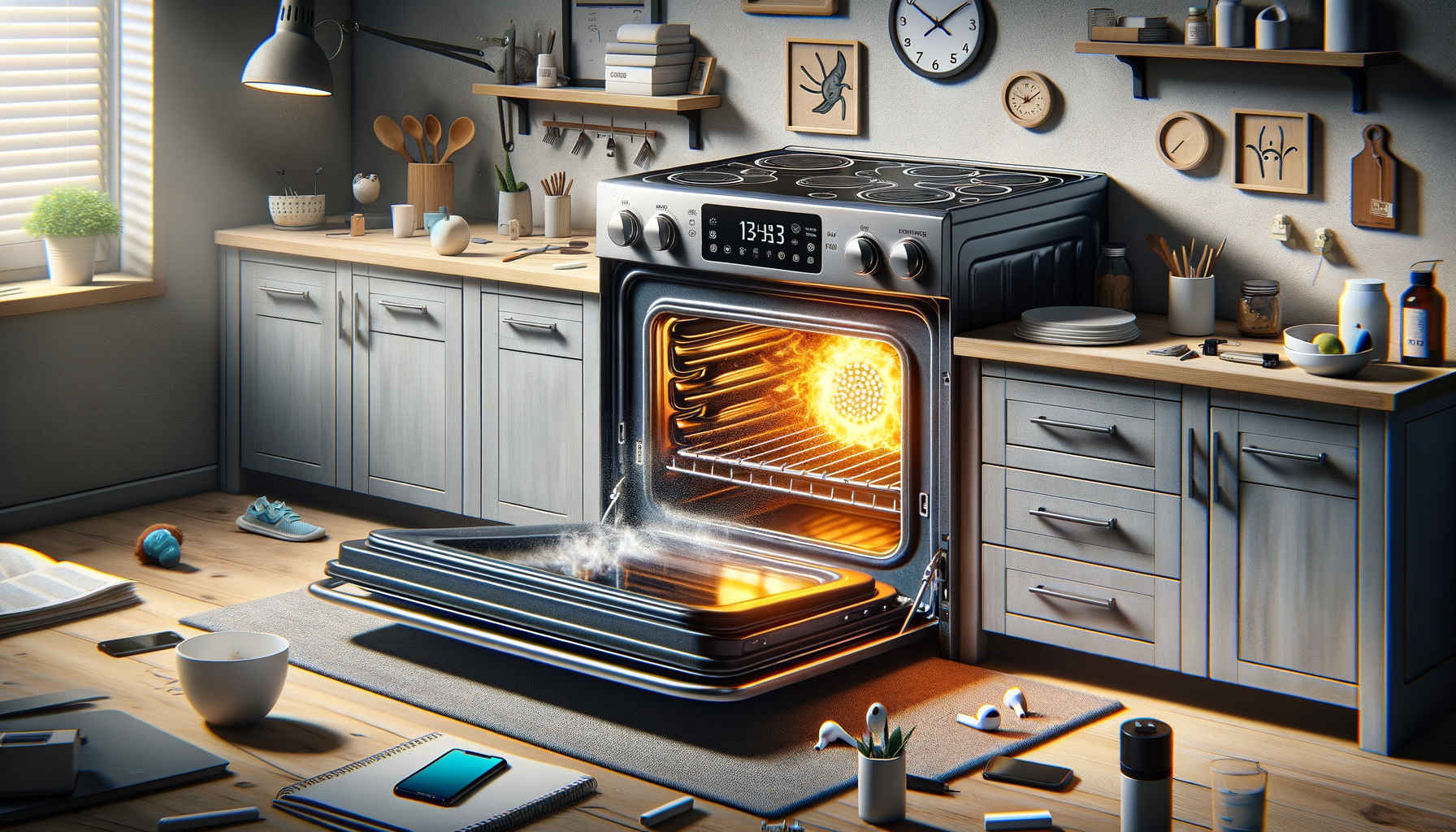
Samsung Oven Self-Clean Cycle Problems
Turn off power to Samsung oven at circuit breaker
Affiliate Links: Some product links may earn us a commission at no extra cost to you.
Tools Needed
- screwdriver
- multimeter
- oven thermometer
- cleaning supplies
Parts & Materials
Available from multiple retailers
Available from multiple retailers
Available from multiple retailers
Available from multiple retailers
⚠️ Safety First
🔧 Tools Needed
📦 Materials
📋 Step-by-Step Instructions
1. Turn off power to Samsung oven at circuit breaker
2. Allow oven to cool to room temperature completely
3. Check door lock mechanism for proper operation
4. Test door lock motor with multimeter
5. Inspect door hinges and alignment
6. Check oven temperature sensor resistance
7. Verify control board self-clean cycle programming
8. Clean door lock area of grease and debris
9. Test door lock engagement manually
10. Replace faulty door lock assembly if needed
11. Test complete self-clean cycle operation
💡 Pro Tips
❌ Common Mistakes to Avoid
🔍 Troubleshooting
Door won't lock for self-clean
*Cause:* Faulty door lock motor or misaligned door
*Fix:* Test door lock motor and check door alignment
Self-clean cycle starts but stops
*Cause:* Temperature sensor or control board issue
*Fix:* Test temperature sensor and check control board operation
Excessive smoke during cleaning
*Cause:* Too much soil in oven
*Fix:* Stop cycle, manually clean heavy soil, then retry
❓ Frequently Asked Questions
Q: How long does Samsung oven self-clean take
A: Typically 3-5 hours depending on soil level setting
Q: Why won't my Samsung oven door unlock after cleaning
A: Door stays locked until oven cools below 575°F for safety
✅ Checklist
Related Guides
Samsung Refrigerator Ice Maker Frozen Up
Unplug Samsung refrigerator and turn off ice maker
Read Guide →