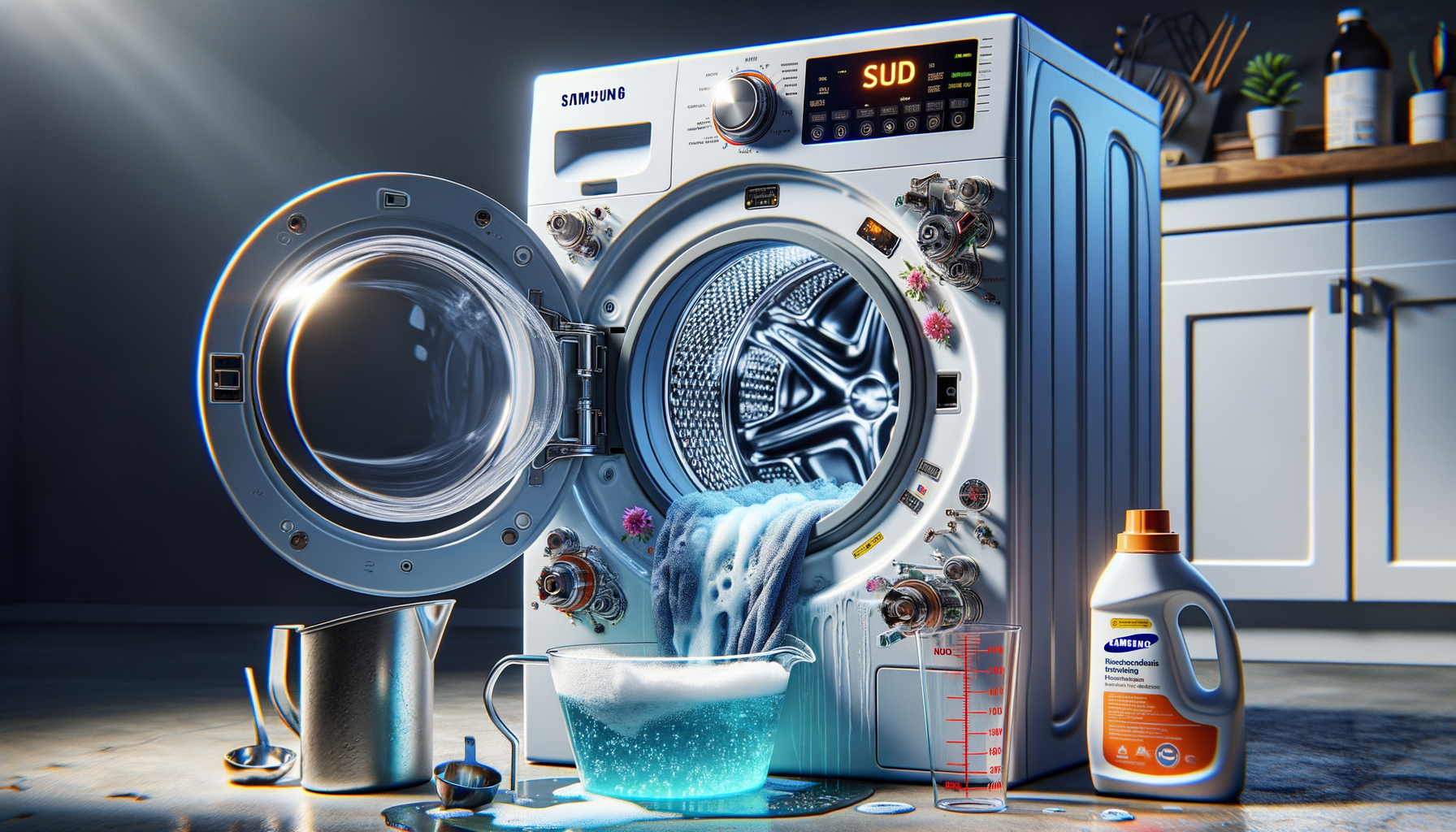
Samsung Washer SUD Error Code
Stop current cycle and allow Samsung washer to drain
Affiliate Links: Some product links may earn us a commission at no extra cost to you.
Tools Needed
- measuring cup
- screwdriver
- shop vacuum
- cleaning cloths
Parts & Materials
Available from multiple retailers
Available from multiple retailers
Available from multiple retailers
Available from multiple retailers
⚠️ Safety First
🔧 Tools Needed
📦 Materials
📋 Step-by-Step Instructions
1. Stop current cycle and allow Samsung washer to drain
2. Remove any clothes and check for excess detergent residue
3. Run rinse and spin cycle to remove remaining suds
4. Clean detergent dispenser drawer thoroughly
5. Check water hardness and adjust detergent amount accordingly
6. Verify using correct HE detergent type and amount
7. Clean washer drum with washing machine cleaner
8. Check drain hose for clogs that slow drainage
9. Run empty cleaning cycle with hot water
10. Test with small load using proper detergent amount
11. Reset error code by unplugging washer for 5 minutes
💡 Pro Tips
❌ Common Mistakes to Avoid
🔍 Troubleshooting
SUD error keeps returning
*Cause:* Continued use of too much detergent
*Fix:* Reduce detergent amount and run multiple rinse cycles
Suds visible in drum
*Cause:* Detergent buildup in washer
*Fix:* Run cleaning cycle and reduce detergent for future loads
Error occurs with new detergent
*Cause:* Non-HE detergent or wrong concentration
*Fix:* Switch to HE detergent and use proper amount
❓ Frequently Asked Questions
Q: How much detergent should I use in Samsung washer
A: 1-2 tablespoons of HE detergent for normal loads
Q: Can I use regular detergent in Samsung washer
A: No - only use HE (High Efficiency) detergent to prevent suds
✅ Checklist
Related Guides
Samsung Refrigerator Ice Maker Frozen Up
Unplug Samsung refrigerator and turn off ice maker
Read Guide →