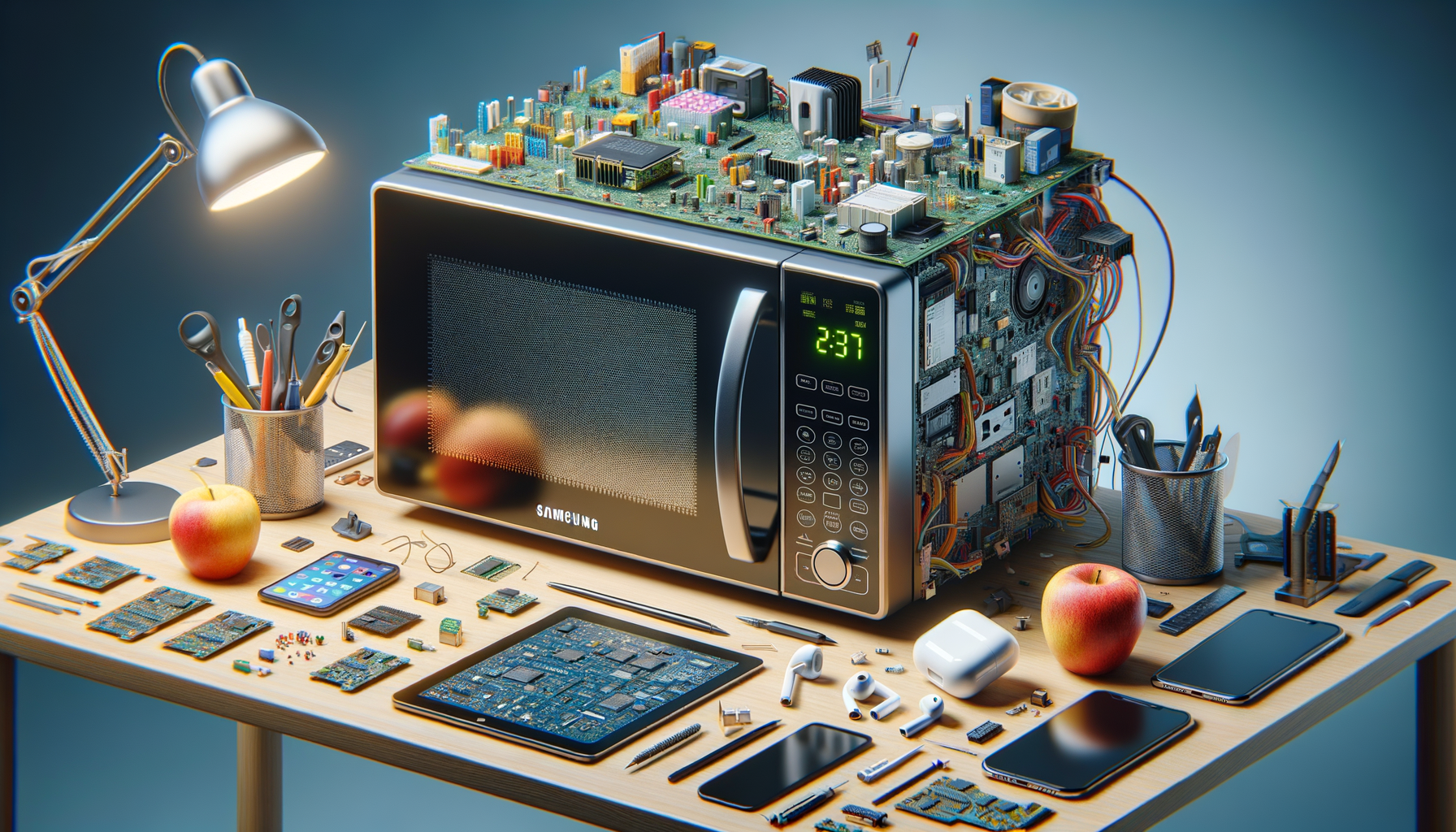
Samsung microwave display not working repair guide
AI-generated image

Samsung Microwave Display Not Working

Unplug Samsung microwave and remove outer cabinet

Samsung Appliance Repairs
Intermediate
120 minutes
2/2/2026

Affiliate Links: Some product links may earn us a commission at no extra cost to you.

Tools Needed

  • screwdriver
  • multimeter
  • contact cleaner
  • soft cloth

Parts & Materials

Available from multiple retailers

AmazonUnavailable
Home DepotMore buying options coming soon
Lowe'sMore buying options coming soon

Available from multiple retailers

AmazonUnavailable
Home DepotMore buying options coming soon
Lowe'sMore buying options coming soon

Available from multiple retailers

AmazonUnavailable
Home DepotMore buying options coming soon
Lowe'sMore buying options coming soon

Available from multiple retailers

AmazonUnavailable
Home DepotMore buying options coming soon
Lowe'sMore buying options coming soon

āš ļø Safety First

  • Unplug microwave before accessing internal components
  • Discharge high voltage capacitor before service
  • Never operate microwave with door open

  • šŸ”§ Tools Needed

  • screwdriver
  • multimeter
  • contact cleaner
  • soft cloth

  • šŸ“¦ Materials

  • control board
  • display panel
  • membrane switch
  • ribbon cable

  • šŸ“‹ Step-by-Step Instructions

    1. Unplug Samsung microwave and remove outer cabinet


    2. Discharge high voltage capacitor safely


    3. Remove control panel and access display connections


    4. Check ribbon cable connections to display panel


    5. Test control board for proper voltage output


    6. Clean membrane switch contacts with contact cleaner


    7. Inspect display panel for physical damage


    8. Test individual buttons for proper response


    9. Check for loose or corroded connections


    10. Replace control board if display tests good


    11. Reassemble and test all microwave functions


    šŸ’” Pro Tips

  • Clean membrane switches gently to avoid damage
  • Check for Samsung control board software updates
  • Display problems often trace to control board failure

  • āŒ Common Mistakes to Avoid

  • Not discharging capacitor before service - shock hazard
  • Forcing ribbon cable connections causing damage
  • Replacing display when control board is the problem

  • šŸ” Troubleshooting

    Display completely blank

    *Cause:* No power to display or control board failure

    *Fix:* Check power connections and test control board output


    Partial display or garbled text

    *Cause:* Loose ribbon cable or display panel failure

    *Fix:* Reseat ribbon cables and test display panel


    Buttons not responding

    *Cause:* Dirty membrane switches or control board

    *Fix:* Clean membrane switches and test control board


    ā“ Frequently Asked Questions

    Q: Can I repair Samsung microwave display myself

    A: Yes, but requires careful handling of high voltage components


    Q: How much does Samsung microwave control board cost

    A: Typically $100-150 depending on model


    āœ… Checklist

    ☐Unplug microwave
    ☐Remove cabinet
    ☐Discharge capacitor
    ☐Access display
    ☐Check ribbon cables
    ☐Test control board
    ☐Clean switches
    ☐Check display panel
    ☐Test buttons
    ☐Test all functions

    Related Guides

    Samsung Refrigerator Ice Maker Frozen Up

    Unplug Samsung refrigerator and turn off ice maker

    Read Guide →

    Samsung Washer SUD Error Code

    Stop current cycle and allow Samsung washer to drain

    Read Guide →

    Samsung Dryer Not Heating Up

    Disconnect power to Samsung dryer and gas if applicable

    Read Guide →

    Related Videos