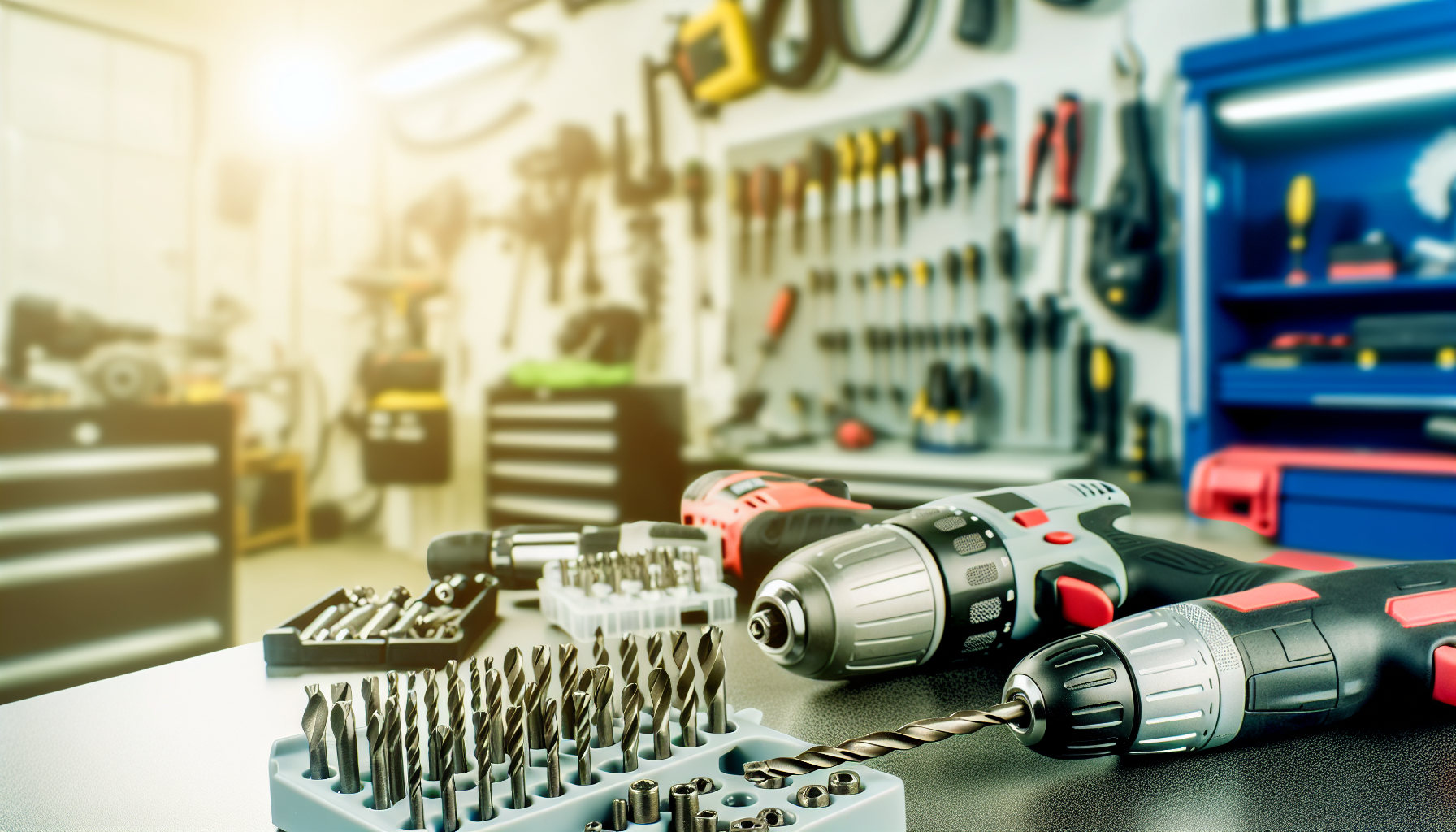
Power Drills and Drivers
Select appropriate bit for material and fastener type
Affiliate Links: Some product links may earn us a commission at no extra cost to you.
Tools Needed
- drill/driver
- drill bits
- driver bits
- battery charger
Parts & Materials
Available from multiple retailers
Available from multiple retailers
Available from multiple retailers
⚠️ Safety First
🔧 Tools Needed
📦 Materials
📋 Step-by-Step Instructions
1. Select appropriate bit for material and fastener type
2. Set correct torque setting for screws (low for small screws, higher for large)
3. Mark hole locations clearly with center punch or awl
4. Start drill at slow speed to establish hole, then increase as needed
5. Apply steady, moderate pressure - let bit do the work
6. Back out periodically to clear chips when drilling deep holes
7. Use pilot holes for screws to prevent splitting
8. Switch to impact driver for tough driving tasks or long screws
💡 Pro Tips
❌ Common Mistakes to Avoid
🔍 Troubleshooting
Drill bits break frequently
*Cause:* Too much pressure, dull bit, or wrong bit type
*Fix:* Reduce pressure, sharpen or replace bits, use correct bit for material
Holes wander off mark
*Cause:* Dull bit, no center punch, or starting too fast
*Fix:* Use sharp bit, center punch start point, begin at slow speed
Screws strip or break
*Cause:* Wrong torque setting or no pilot hole
*Fix:* Adjust torque clutch, drill pilot holes, use appropriate screw size
❓ Frequently Asked Questions
Q: What voltage drill should I buy
A: 18-20V for most homeowners, 12V for light duty, higher for professional use
Q: Drill/driver vs impact driver
A: Drill/driver for holes and light fastening, impact driver for heavy driving and long screws
✅ Checklist
Related Guides
Ladders and Access Equipment
Choose appropriate ladder type - step ladder for self-support, extension for leaning
Read Guide →Work Clothing and Safety Gear
Assess job hazards - chemicals, cuts, impacts, electrical, falls
Read Guide →