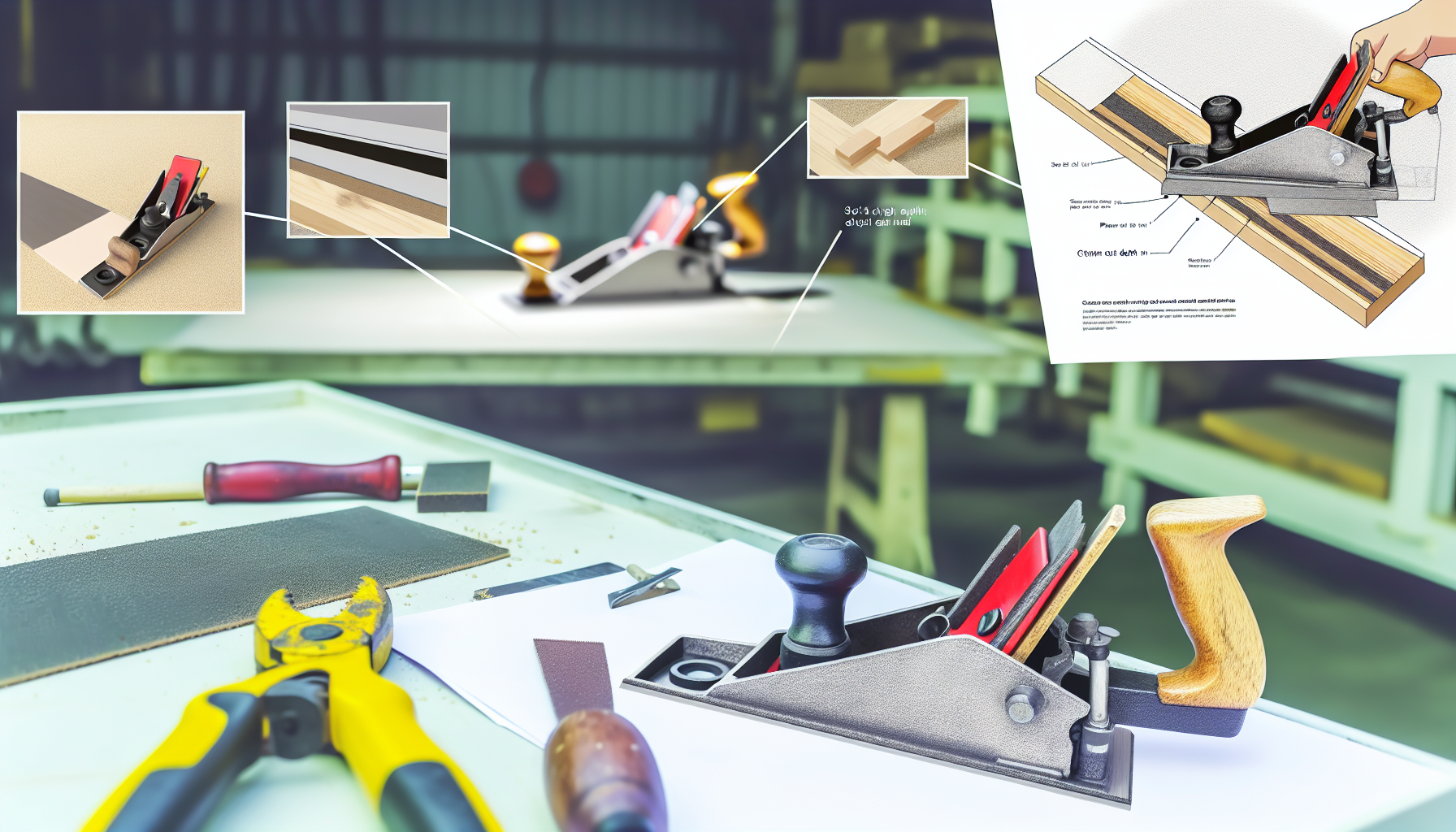
Planers and Sanders
For planers: Set light cut depth, check grain direction, plane with grain
Affiliate Links: Some product links may earn us a commission at no extra cost to you.
Tools Needed
- electric planer
- sanders
- sandpaper
- dust collection
Parts & Materials
Available from multiple retailers
Available from multiple retailers
Available from multiple retailers
⚠️ Safety First
🔧 Tools Needed
📦 Materials
📋 Step-by-Step Instructions
1. For planers: Set light cut depth, check grain direction, plane with grain
2. Keep planer moving steadily to avoid gouges and ridges
3. For sanders: Start with coarse grit, progress through finer grits
4. Keep sander moving in overlapping patterns
5. Use dust collection or work outdoors when possible
6. Sand with grain direction for final passes
7. Check progress frequently - it's easy to sand too much
8. Clean workpiece between grit changes to remove particles
💡 Pro Tips
❌ Common Mistakes to Avoid
🔍 Troubleshooting
Planer tears out grain
*Cause:* Dull blades, heavy cut, or planing against grain
*Fix:* Sharpen blades, reduce cut depth, check grain direction
Sanding marks show through finish
*Cause:* Skipped grits or cross-grain sanding
*Fix:* Progress through all grits, sand with grain on final passes
Uneven surface after sanding
*Cause:* Inconsistent pressure or technique
*Fix:* Use light, even pressure, keep sander moving, check frequently
❓ Frequently Asked Questions
Q: What grit progression should I use
A: Typically 80-120-150-220 grit, adjusting based on starting condition and desired finish
Q: Belt sander vs orbital sander
A: Belt sander for heavy material removal, orbital sander for smoothing and finishing
✅ Checklist
Related Guides
Ladders and Access Equipment
Choose appropriate ladder type - step ladder for self-support, extension for leaning
Read Guide →Work Clothing and Safety Gear
Assess job hazards - chemicals, cuts, impacts, electrical, falls
Read Guide →