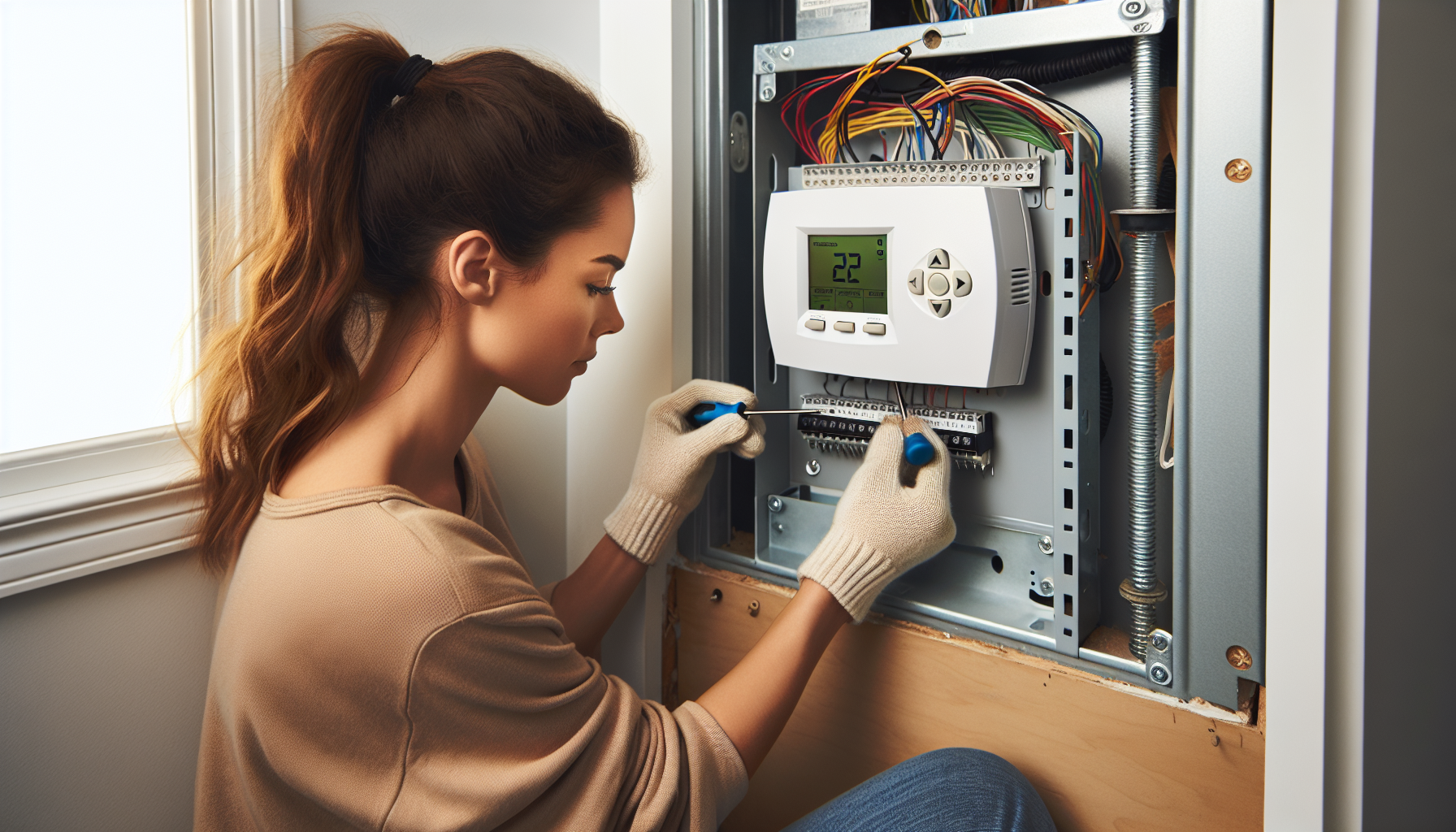
Thermostat Installation and Programming
Turn off power to HVAC system at electrical panel
Affiliate Links: Some product links may earn us a commission at no extra cost to you.
Tools Needed
- screwdriver
- wire strippers
- level
- drill
- voltage tester
Parts & Materials
Available from multiple retailers
Available from multiple retailers
Available from multiple retailers
Available from multiple retailers
⚠️ Safety First
🔧 Tools Needed
📦 Materials
📋 Step-by-Step Instructions
1. Turn off power to HVAC system at electrical panel
2. Remove old thermostat from wall carefully
3. Take photo of wire connections for reference
4. Label wires according to terminal designations
5. Remove old thermostat base from wall
6. Install new thermostat base ensuring level placement
7. Connect wires to new thermostat following manufacturer instructions
8. Mount new thermostat to base and install batteries if required
9. Restore power to HVAC system
10. Program thermostat settings and test operation
11. Set up smart features and WiFi if applicable
💡 Pro Tips
❌ Common Mistakes to Avoid
🔍 Troubleshooting
Thermostat display blank
*Cause:* No power or bad batteries
*Fix:* Check power connections and replace batteries
System not responding to thermostat
*Cause:* Incorrect wiring or blown fuse
*Fix:* Verify wire connections and check system fuses
Temperature readings inaccurate
*Cause:* Poor thermostat location or calibration
*Fix:* Relocate away from heat sources or recalibrate
❓ Frequently Asked Questions
Q: Do I need a C-wire for smart thermostats
A: Most smart thermostats work better with C-wire but some have workarounds
Q: Can I install any thermostat on my system
A: Check compatibility with your HVAC system type (heat pump, gas, etc.)
✅ Checklist
Related Guides
Furnace Maintenance and Filter Replacement
Turn off power to furnace at electrical panel and unit switch
Read Guide →Air Conditioning Maintenance and Cleaning
Turn off power to air conditioning system at breaker
Read Guide →